
Named levers, not a mystery preset
Set the color count and the frame stride yourself, with the expected savings stated up front instead of Light, Balanced and Maximum.
Cut the color count, drop frames, or both. Up to 50 GIFs at once, and fast even on files that are usually enormous.
Drop GIF files to compress
GIF only · animated or still · up to 50 files · 100 MB each
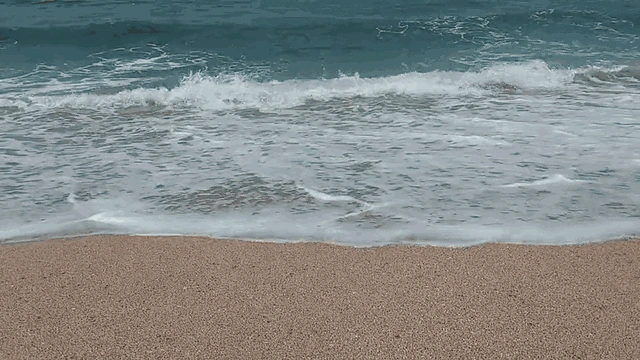
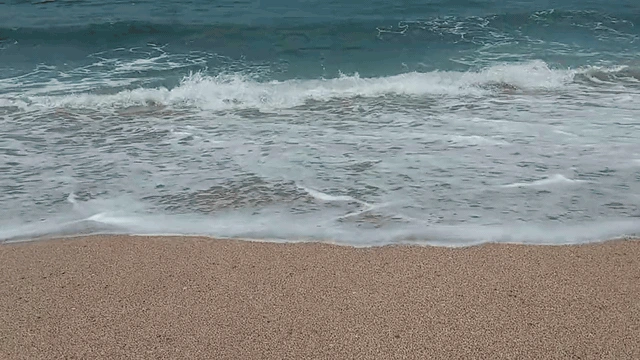
Drag the divider across the photo. Both sides are the same 1:1 crop: one from the original file, one from the file this tool made from it.
Animated or still, one file or fifty. Your GIFs never leave your device, so there is no wait to send a huge file to a server.
Start with 128 or 64 colors. If it is still too heavy, keep every second frame as well.
Every file shows its before and after size. Save one, or take the whole batch as a ZIP.
Set the color count and the frame stride yourself, with the expected savings stated up front instead of Light, Balanced and Maximum.
Removing frames normally speeds an animation up. Each surviving frame's delay is scaled to match, so it runs for the same length of time at a lower frame rate.
Most GIF compressors cap the batch at ten or twenty. This one takes fifty, and there is no wait to send files this large to a server.
Discord caps GIFs at 8 MB for regular accounts. One step down in colors usually clears it without touching the animation.
An animated signature has to be tiny to survive mail clients. Fewer colors and fewer frames get a logo loop down to a sensible weight.
A UI recording is the best case for palette reduction — flat interface colors survive a small palette almost perfectly.
A repository should not ship a 12 MB GIF. Screen recordings of terminals and interfaces compress hard with few visible costs.
Display networks enforce hard kilobyte ceilings. The before and after readout tells you when you are under the line.
Older platforms often cap attachments at 2 MB. Drop to every second frame and most clips fit.
A video codec stores what changed between frames. GIF barely does — it was designed in 1987, and every frame is close to a full picture in its own right. That is why a three-second clip that would be 300 KB as a video arrives as an 8 MB GIF, and why the upload limit you just hit is not your fault.
There are only two honest levers inside the format. The first is the color palette: a GIF can hold at most 256 colors, and cutting that number shrinks every frame. Dropping to 128 colors typically saves 20 to 40 percent, 64 colors saves 40 to 60, and 32 colors can save 60 to 80 on simple animations — though gradients and photographic content start to show banding well before that. The second is frame count: keeping every second frame removes roughly half the data.
Both controls are named, visible, and yours to set. There is no quality slider here, because GIF has no quality parameter to slide — it is a palette format, and any tool showing you a 1-to-100 quality control for a GIF is showing you a control that does nothing. If you need a far bigger reduction than the palette and frame count can give, the real answer is to leave the format, and the WebP converter is one click away.
Start at 128 colors and look at the result before going lower. Flat graphics and screen recordings survive 64 or even 32; photographs and gradients band early.
Frame dropping is the strongest lever after colors. Every second frame roughly halves the data, and most screen recordings still read fine at half the frame rate.
Resizing beats both, if you can afford it. File size grows with area, so half the width is roughly a quarter of the pixels — do that in the bulk resizer first, then compress here.
If the source was already run through gifsicle or a similar optimizer, expect a small result or none at all. Some GIFs are simply done.
When nothing gets you under the limit, convert to WebP. The same animation is usually dramatically smaller, and every current browser plays it.
Drop it in, lower the color count to 128 or 64, and download. If that is not enough, also keep every second frame. Both controls report their effect through the before and after size on each file, so you can stop as soon as you are under your limit.
Because GIF has no motion compression. Modern video formats store only what changed between frames; GIF stores something close to a whole image per frame. That is also why a simple animation with flat colors compresses far better than a filmed clip — there is less unique information per frame to store.
Because GIF has no lossy quality setting to control. It is a palette-indexed format, so the levers are the number of colors and the number of frames. A quality slider on a GIF changes essentially nothing, and we would rather not ship a control that pretends to work.
No. When a frame is removed, the delay on the frames that remain is scaled up by the same factor, so the animation still runs for its original length at a lower frame rate. Many tools skip this step, which is why their output often looks sped up.
Only up to a point. Re-optimizing the frame data and stripping metadata are free — nothing visible changes. Beyond that, every real saving comes from fewer colors or fewer frames, and both are visible if you push them hard. Start gently and stop when the size is acceptable.
It depends entirely on the source. A screen recording with flat colors at 64 colors can lose half its size or more. A filmed clip that is already palette-optimized might give up almost nothing. The queue shows the real number per file rather than a promised percentage.
Usually much smaller, because animated WebP does have motion compression and is not limited to 256 colors. If your platform accepts WebP, converting is the bigger win by a wide margin. We would rather tell you that than have you grind a GIF down until it looks bad.
No. Everything runs in the page through WebAssembly. That matters more here than for other formats, since GIFs are large and the upload is normally most of the wait on a server-based compressor.
The bigger win when GIF cannot get small enough. Same animation, real motion compression.
The general compressor for JPG, PNG, WebP and AVIF.
Shrink dimensions first — the strongest size lever of all.
Move GIF to and from other formats.
Run a folder of mixed images through one setting.
Fewer colors, fewer frames, honest numbers. Free, and nothing leaves your device.